Resize a whole batch
Set maximum or exact dimensions, or resize by percentage.
Batch image and document processing
Lightning-fast batch image processing with 100% local privacy — zero ads, zero cloud uploads, and zero quality loss.
Files are processed on your device, not uploaded.
What you can do
Simple tools for getting your images and documents ready.
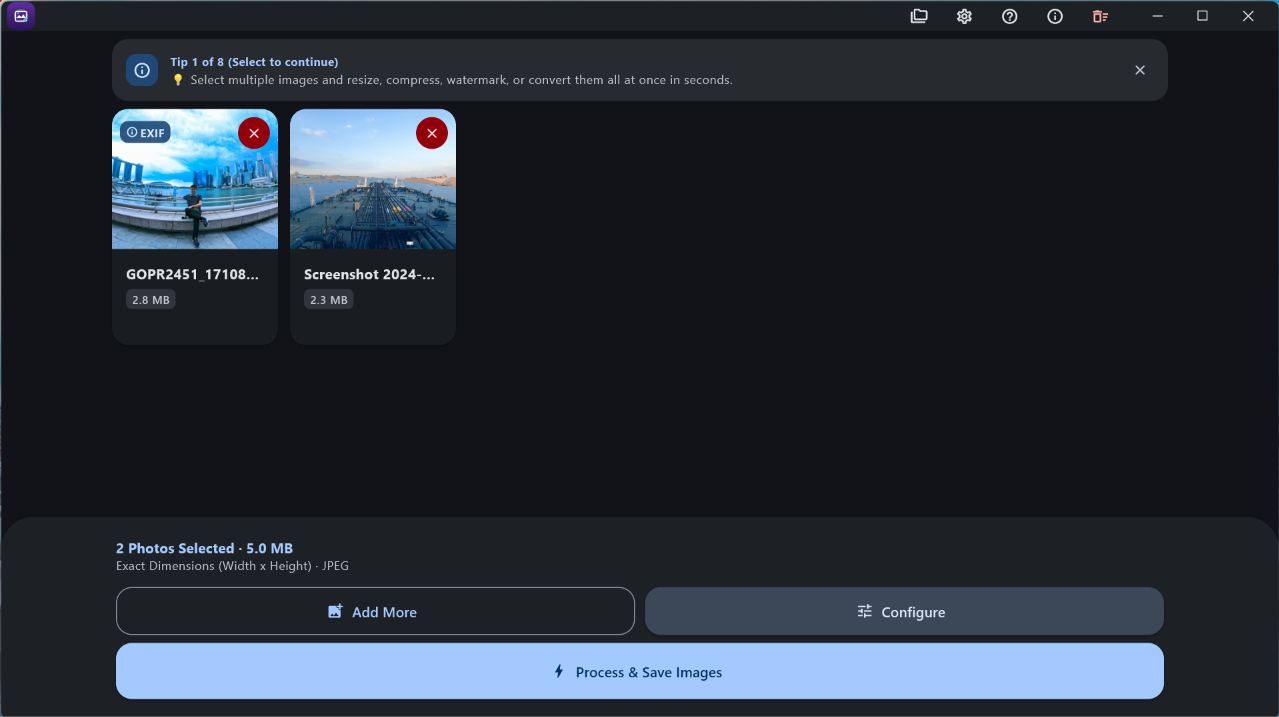
Set maximum or exact dimensions, or resize by percentage.
Adjust quality and convert between JPEG, PNG, and WebP.
Import PDFs and ZIPs. Export batches as PDFs or ZIPs, with optional passwords.
Add text watermarks, crop, rotate, and flip images.
Review image metadata and choose whether to keep supported EXIF details.
Give a batch a consistent name with prefixes, suffixes, and sequence numbers.
GIFs import as frames. Windows also supports BMP and HEIC/HEIF.
Available now
Available today for Android and Windows. Choose a platform to get started.
Process image and document batches on your phone. Requirements: Android 7.0 and later (100% Free).
Privacy detail: The Android app requests no Internet permission.
Get it on Google PlayDrag and drop files from your PC, then save the finished batch. Requirements: Windows 10 / 11 (x64 & ARM).
Pricing: Free download with optional support purchase.
Get it on Microsoft StorePrivacy
Picslim processes files locally in its Android and Windows apps. Files are not uploaded to a cloud service for processing.
On Android, Picslim requests no Internet permission. On both platforms, you choose whether supported EXIF metadata is kept.
Read our privacy policyResize, compress, and convert supported images; add text watermarks; crop, rotate, and flip images; rename batches; inspect metadata; and work with PDF and ZIP files.
Export as JPEG, PNG, or WebP. GIFs import as individual frames. Windows also supports BMP and HEIC/HEIF; some PCs may need Microsoft's HEIF Image Extensions.
No. Picslim processes your files locally in the Android or Windows app; they are not uploaded to a cloud service for processing.
Picslim is available for Android 7.0 and later, and for Windows. On Android, select or share files from your phone. On Windows, drag and drop files; the Store version also integrates with File Explorer's Open with menu.
Yes. Import PDF pages as images, including password-protected PDFs, and add supported images from ZIP files to a batch. Export images as a single multi-page or individual PDFs—with A4 or fit-to-image sizing—or bundle them into a ZIP. You can password-protect PDF and ZIP exports, and open protected PDFs and encrypted ZIPs with their password.
Get started
Choose Picslim for your device.